There may be instances where the search criteria just needs to be based on dates, rather than anything contextual from the email contents.
To perform a search just based on a date range:
Locate and Select NEW, select Search 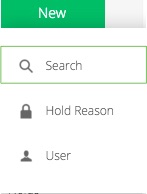
Select  choose the Date option.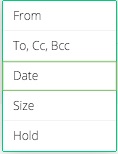
Choose your date option preference. 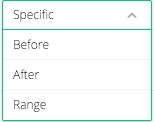
Select the 'dates' 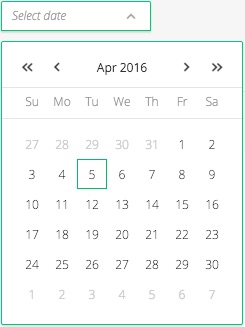
Click on search  , and results will be displayed that match your criteria. There is no need to remove empty criteria boxes, they will be automatically removed by the system.
Comments
0 comments
Please sign in to leave a comment.